/*
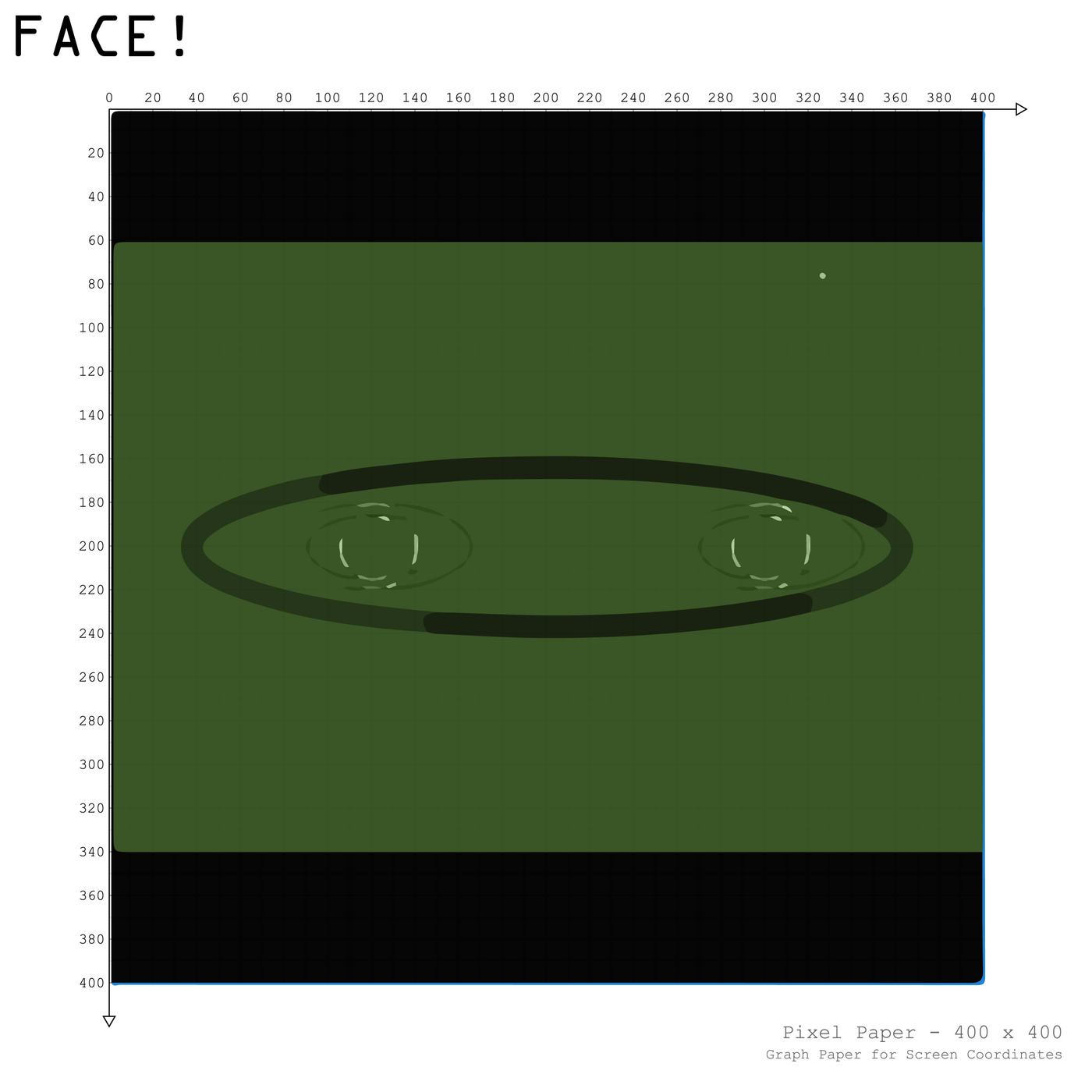
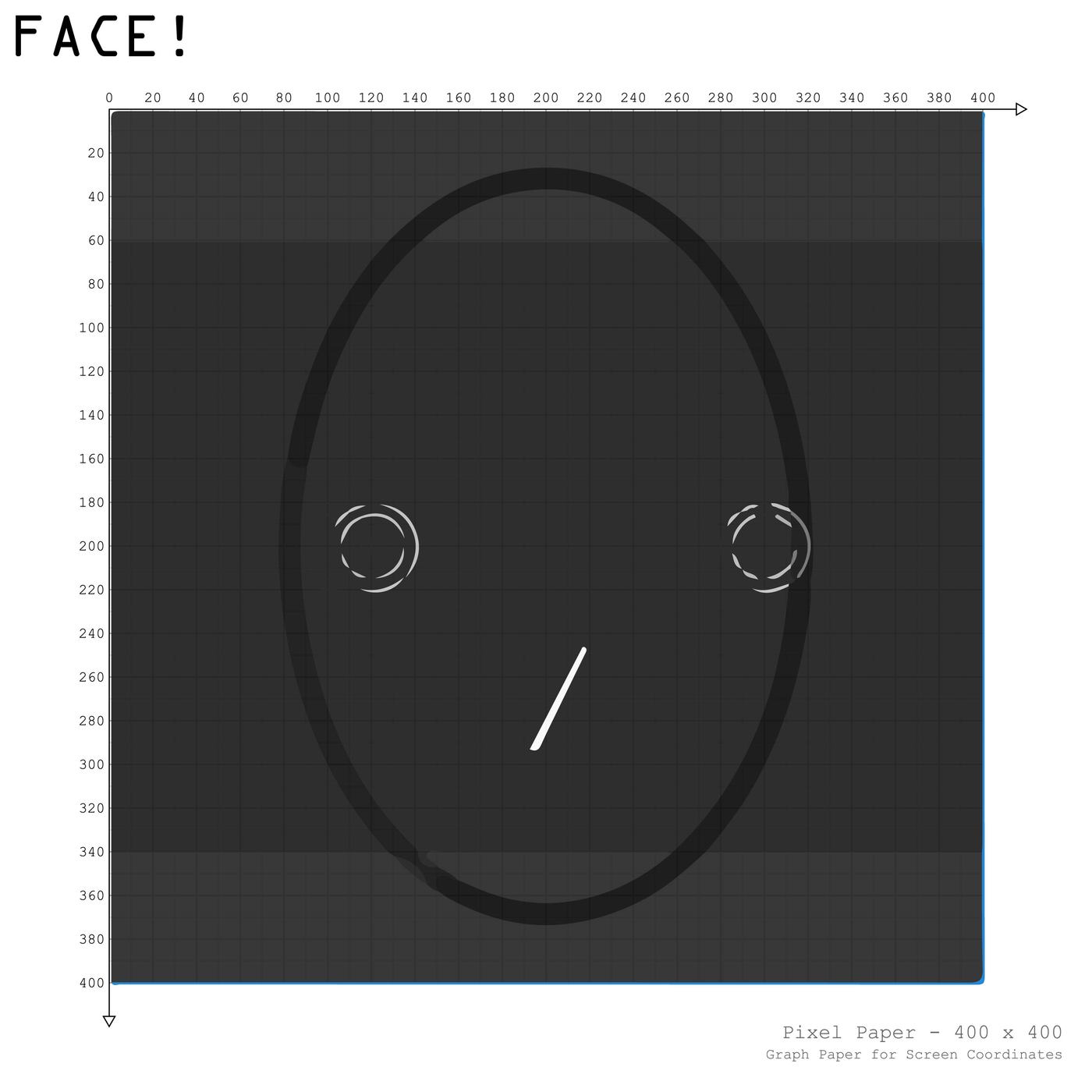
  thousand faces
 by Tom(Wang Hou)Kun
 after 3 ideas which didn't successify me
 i wanted to make something more interesting than
 only moving what is on already drawn
 then i created this piece, which shows different "faces"
 when "player" or "user" interact with their mouse.
 Go Move & Click~
 */
void setup() {
  //set default size and framerate
  size(400, 400);
  frameRate(11);
  //not to use cursor of window
  noCursor();
}
void draw() {
  //base background settings
  frameRate(11);
  background(30);

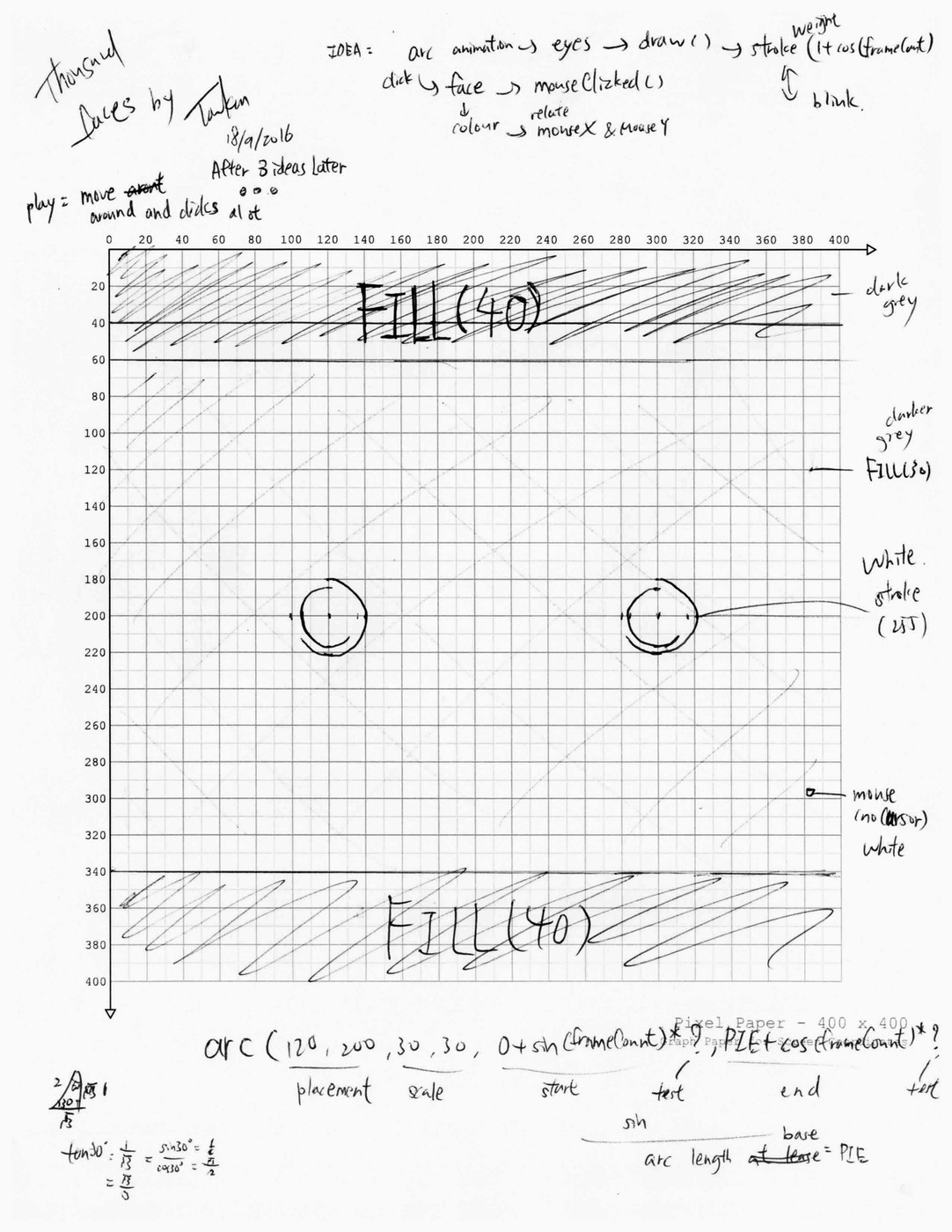
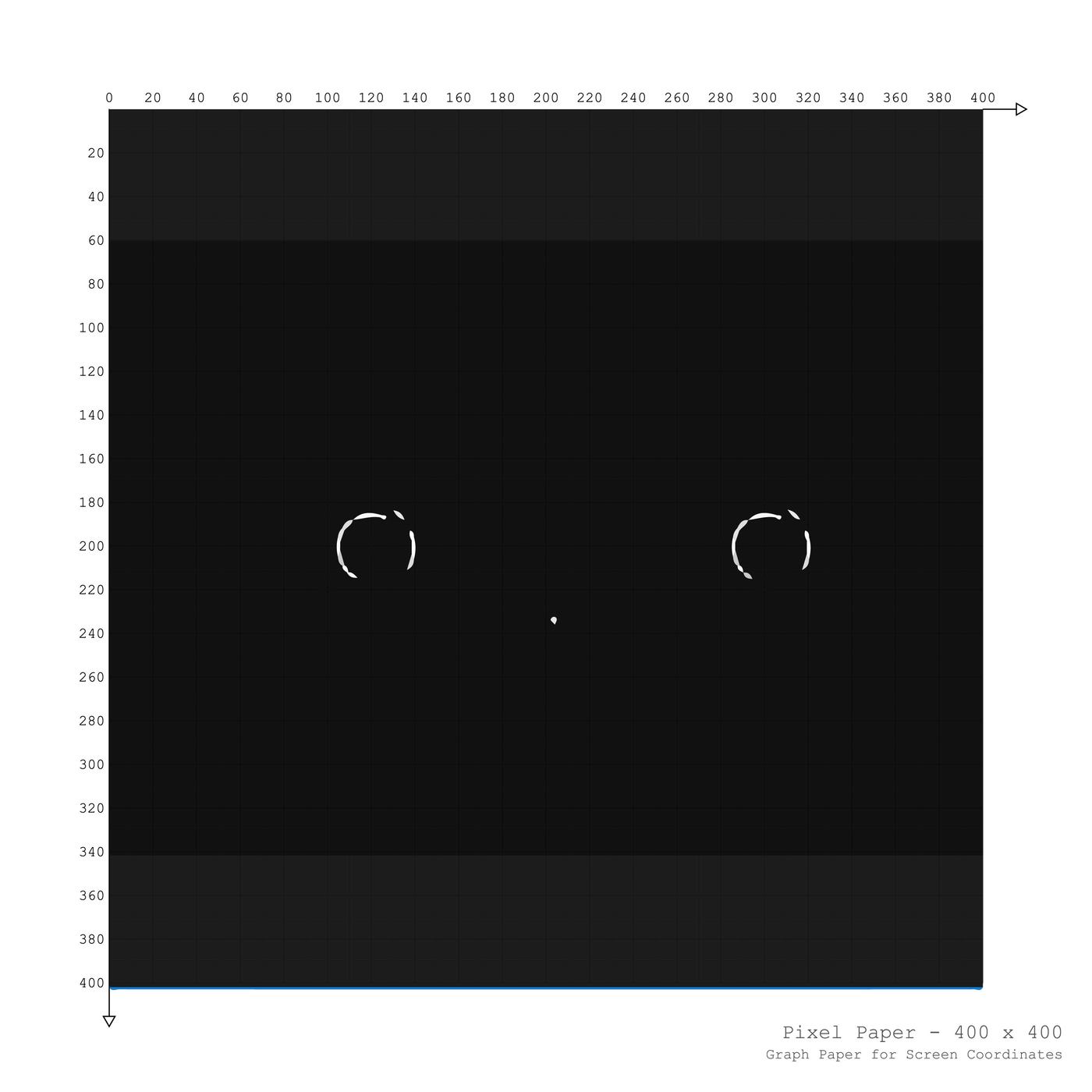
  //eyes and blink effect
  noFill();
  stroke(255);
  strokeWeight(1+sin(frameCount));
  arc(120, 200, 30, 30, 0+sin(frameCount)*3, PIE+cos(frameCount)*3);
  arc(120, 200, 40, 40, -PIE+sin(frameCount)*3, -1+cos(frameCount)*3);
  arc(300, 200, 30, 30, 0+sin(frameCount)*3, PIE+cos(frameCount)*3);
  arc(300, 200, 40, 40, -PIE+sin(frameCount)*3, -1+cos(frameCount)*3);

  //own curosr and its effects
  strokeWeight(1+cos(frameCount));
  triangle(pmouseX, pmouseY+sin(frameCount/10)*10, mouseX-1,
    mouseY+sin(frameCount/10)*10, mouseX+1, mouseY+sin(frameCount/10)*10);

  //blocking rects for creating contrast and atmosphere
  noStroke();
  fill(40);
  rect(0, 0, 400, 60);
  rect(0, 340, 400, 400);
}


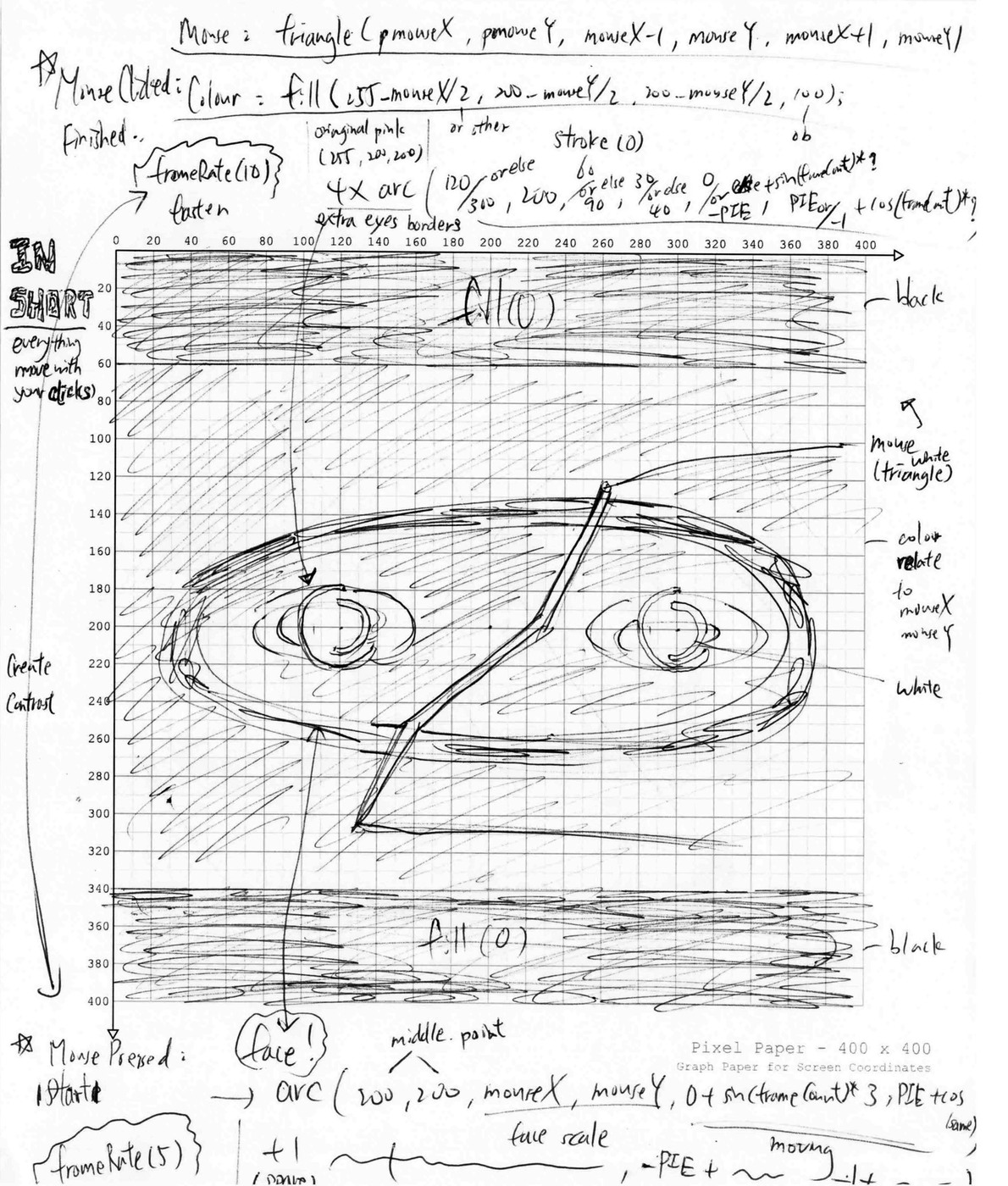
void mousePressed() {
  //slown the first moment
  frameRate(5);
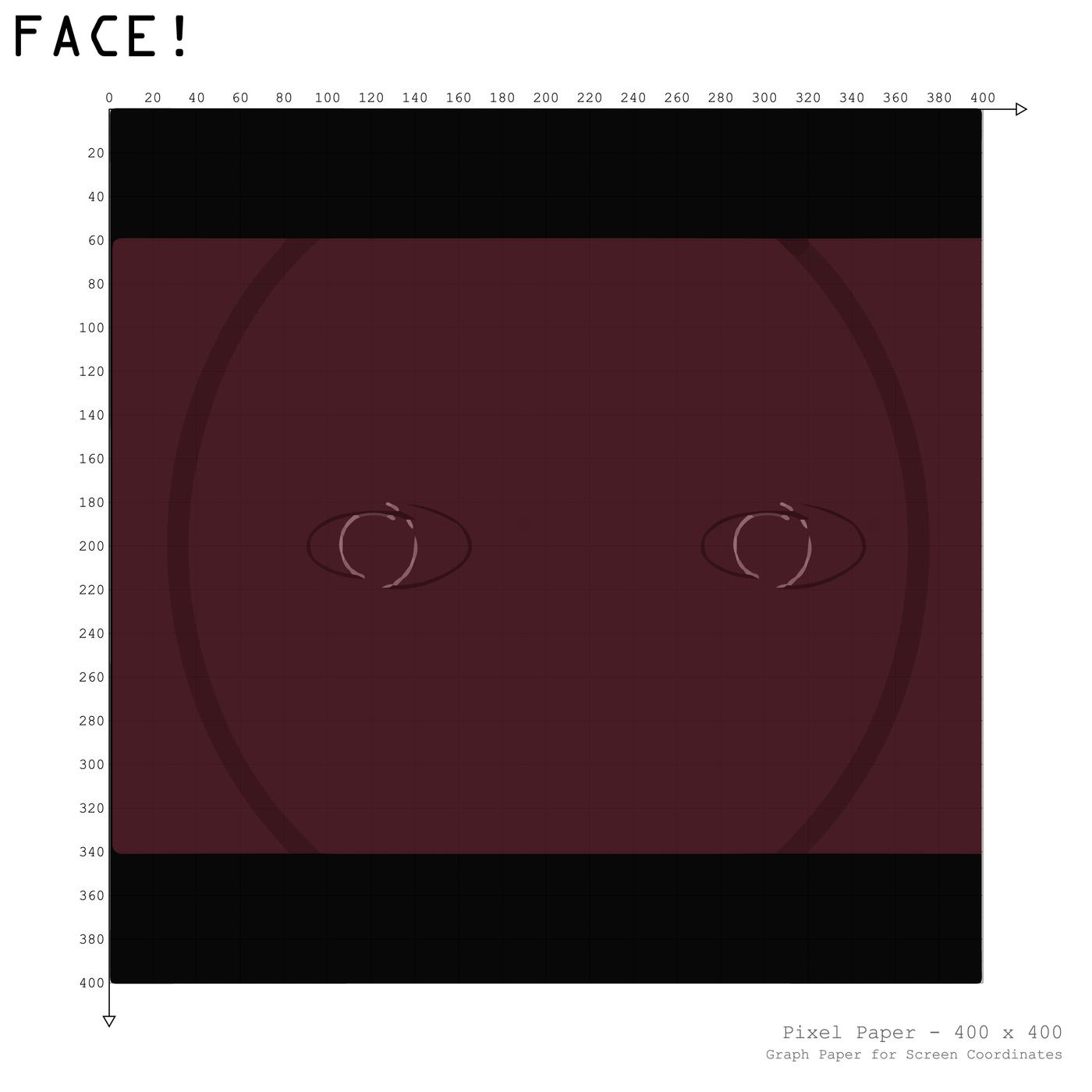
  // create face!
  noFill();
  stroke(0, 100);
  strokeWeight(10);
  arc(200, 200, mouseX, mouseY, 0+sin(frameCount)*3, PIE+cos(frameCount)*3);
  arc(200, 200, mouseX, mouseY, -PIE+sin(frameCount)*3, -1+cos(frameCount)*3);
}
void mouseClicked() {
  // return the framerate/ blend it back
  frameRate(10);
  //eye borders
  noFill();
  stroke(0);
  strokeWeight(1);
  arc(120, 200, 60, 30, 0+sin(frameCount)*3, PIE+cos(frameCount)*3);
  arc(120, 200, 90, 40, -PIE+sin(frameCount)*3, -1+cos(frameCount)*3);
  arc(300, 200, 60, 30, 0+sin(frameCount)*3, PIE+cos(frameCount)*3);
  arc(300, 200, 90, 40, -PIE+sin(frameCount)*3, -1+cos(frameCount)*3);
  //color movement
  fill(255-mouseX/2, 200-mouseY/2, 200-mouseX/2, 100);
  rect(0, 0, 400, 400);

  //create black rects for max contrast
  noStroke();
  fill(0);
  rect(0, 0, 400, 60);
  rect(0, 340, 400, 400);
}