//Big Button by Sean Kovacko
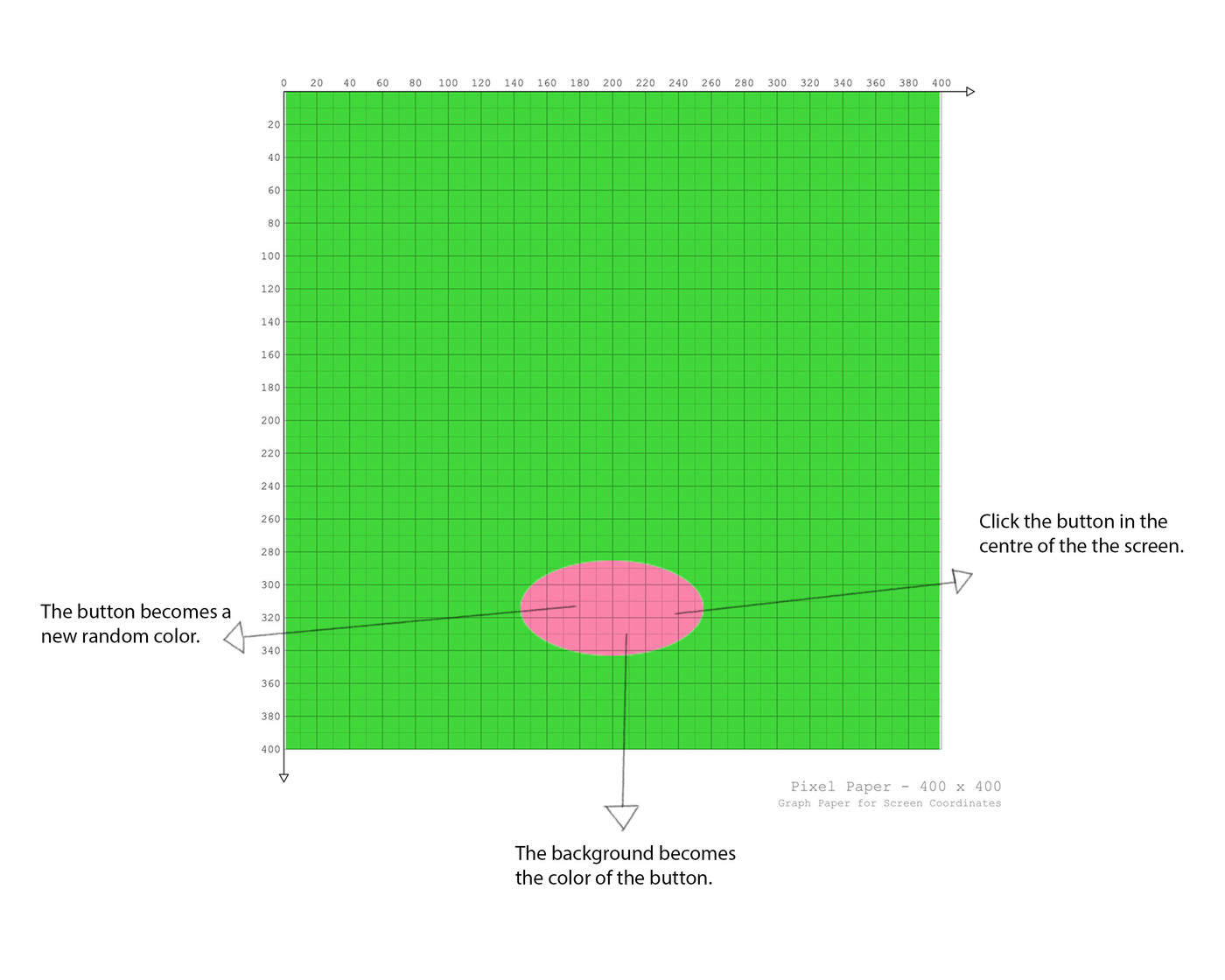
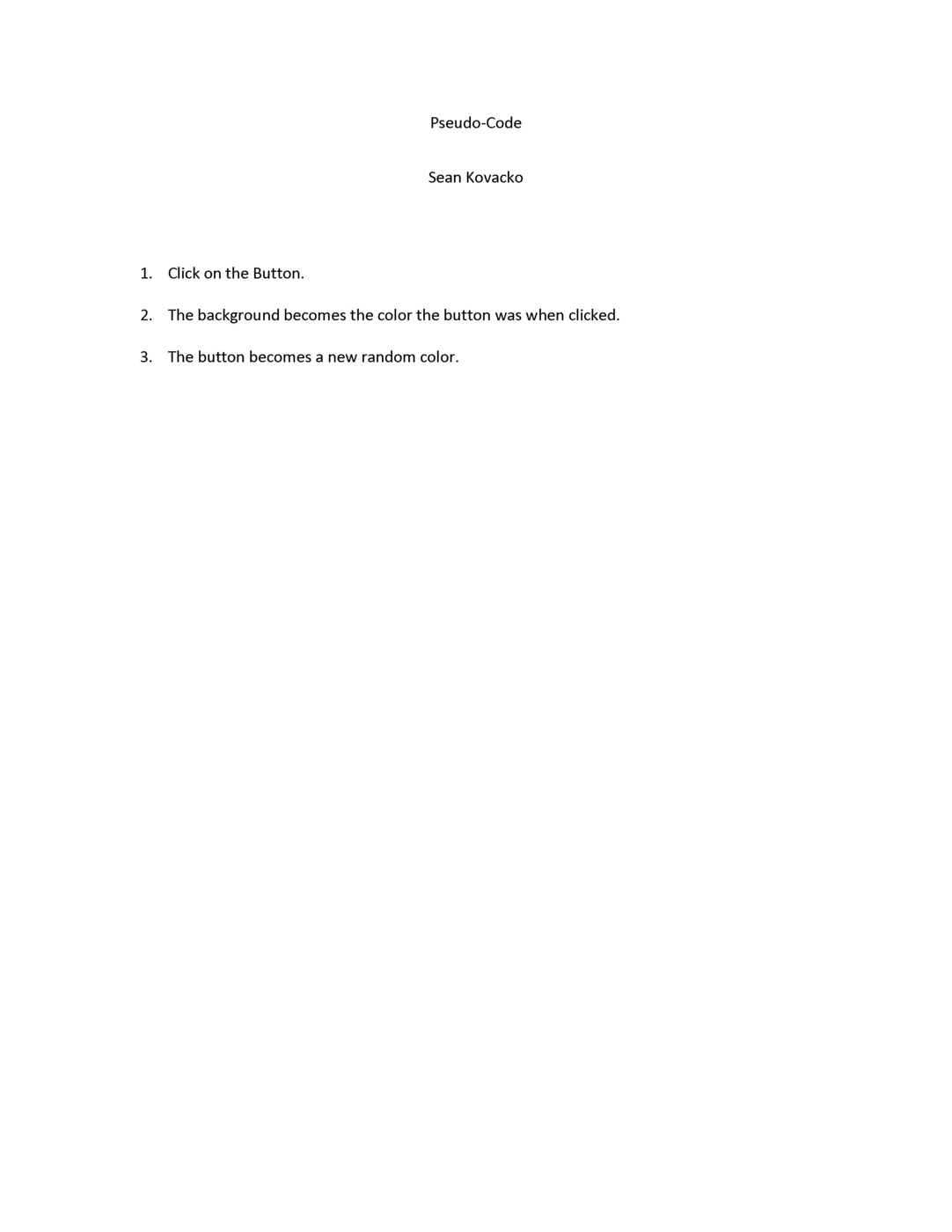
//Click the Button on the screen and the color of the
//background becomes the color the button was. Then the
//button becomes a new color
//Credit to Bruce and Scott who helped me with the idea and code

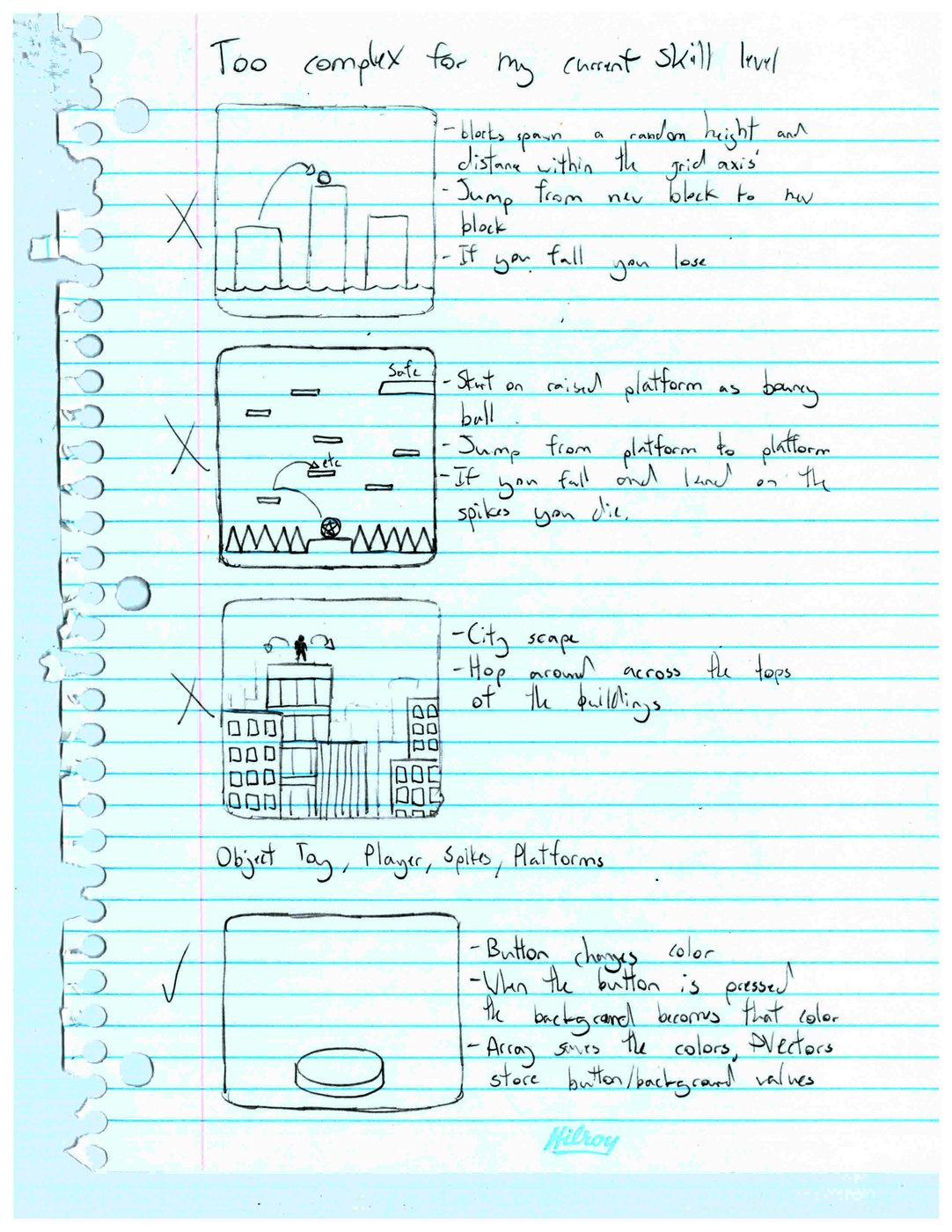
//This Program is very simple. I became very confused trying to do this project
//and keep having to start new ideas because nothing was working. I had to go to a very
//basic program idea to focus more on the concepts i was so confused over, and actually
//figure out how to make it work.


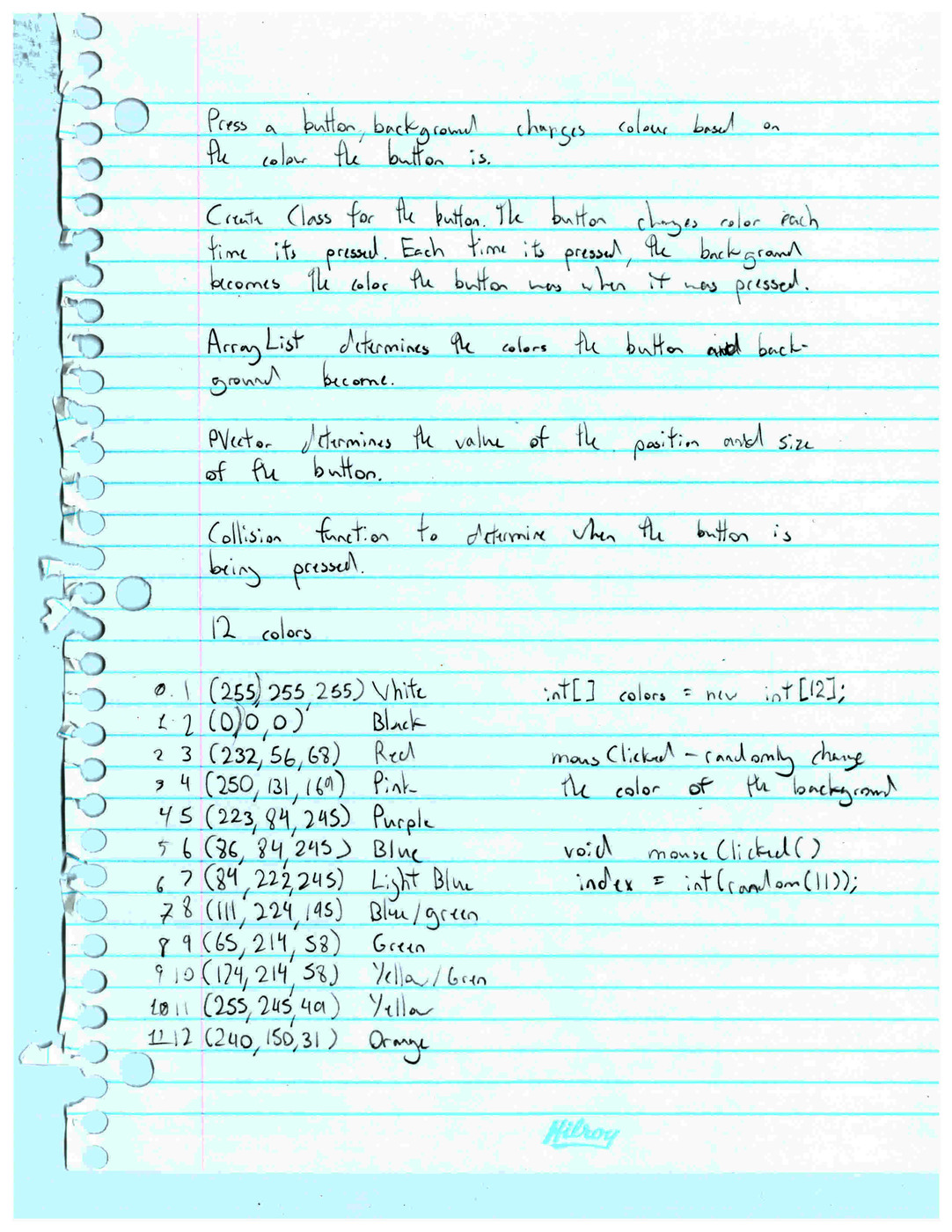
//Specifies the colors to be used from the array made
int[] colors = new int[12];
//Makes the colors picked random
int index = int(random(11));
//Brings in background and button values to the main sketch
button clickButton = new button(index);
backGround colorBackground = new backGround();

void setup() {
  ellipseMode(CORNER);
  rectMode(CORNER);
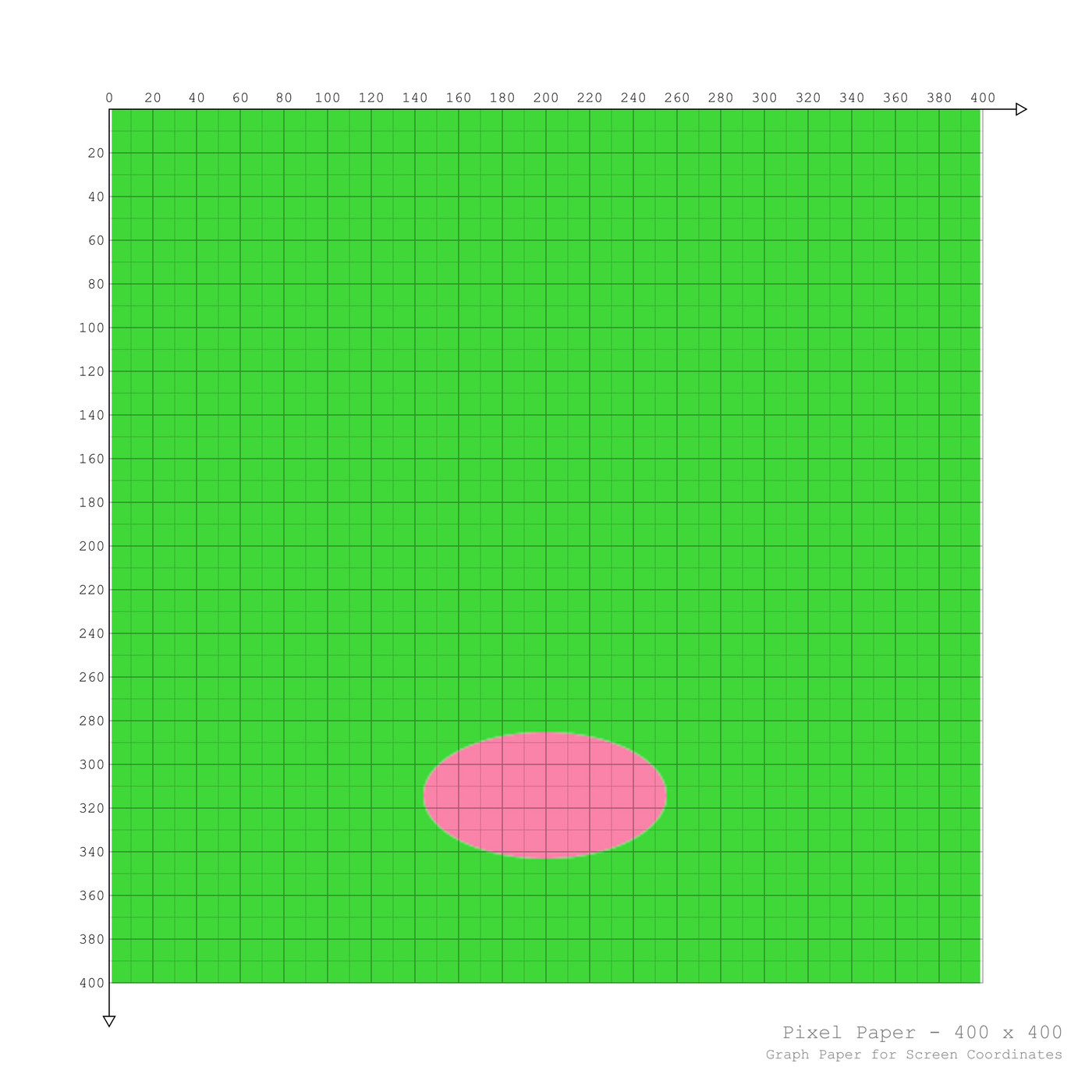
  size(400, 400);
  noStroke();
  //Array List, specifies the colours used
  colors[0] = color(255);
  colors[1] = color(0);
  colors[2] = color(232, 56, 68);
  colors[3] = color(250, 131, 169);
  colors[4] = color(223, 84, 245);
  colors[5] = color(86, 84, 245);
  colors[6] = color(84, 222, 245);
  colors[7] = color(111, 224, 195);
  colors[8] = color(65, 214, 58);
  colors[9] = color(174, 214, 58);
  colors[10] = color(255, 245, 49);
  colors[11] = color(240, 150, 31);

}

void draw() {
  //Draws the background and the button
  colorBackground.drawBackGround(index);
  clickButton.drawButton();

}


//Determines what happens when mouse is clicked. Starts color changes

void mouseClicked(){
  index = clickButton.newButton();

}
//Creates new class for the background
class backGround {

  int index;
  //PVectors to store the values for the location and size of the colored background
  PVector location = new PVector(0, 0);
  PVector size = new PVector(400, 400);

  backGround() {


  }
  //Creates the background and its colors. Creates names to be used in the main sketch.
  void drawBackGround(int tempBackground){
    index = tempBackground;
    //Adds the random colors to the background
    fill(colors[index]);
    noStroke();
    //Creates background with stored values from PVector
    rect(location.x, location.y, size.x, size.y);
  }

}
//Creates class for the button
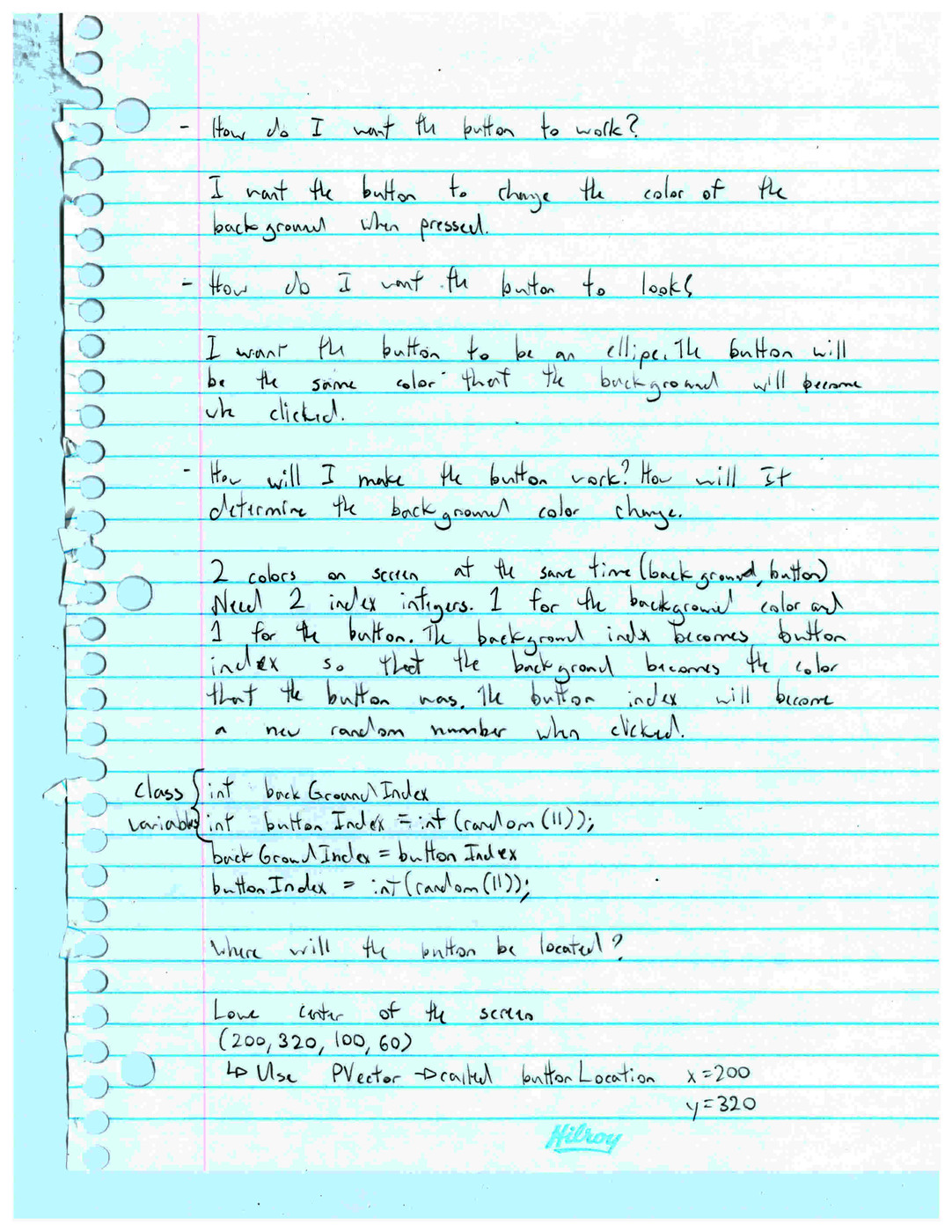
class button {
  int backGroundIndex;
  int buttonIndex = int(random(11));
  //PVectors store the values for the button location and size
  PVector buttonLocation = new PVector(150, 290);
  PVector buttonSize = new PVector(100, 60);

  button(int tempBackground) {
    backGroundIndex = tempBackground;
  }
  //Creates button
  void drawButton() {
    //Adds the random colors to the button
    fill(colors[buttonIndex]);
    noStroke();
    //PVector values used to create the ellipse button
    ellipse(buttonLocation.x, buttonLocation.y, buttonSize.x, buttonSize.y);
  }

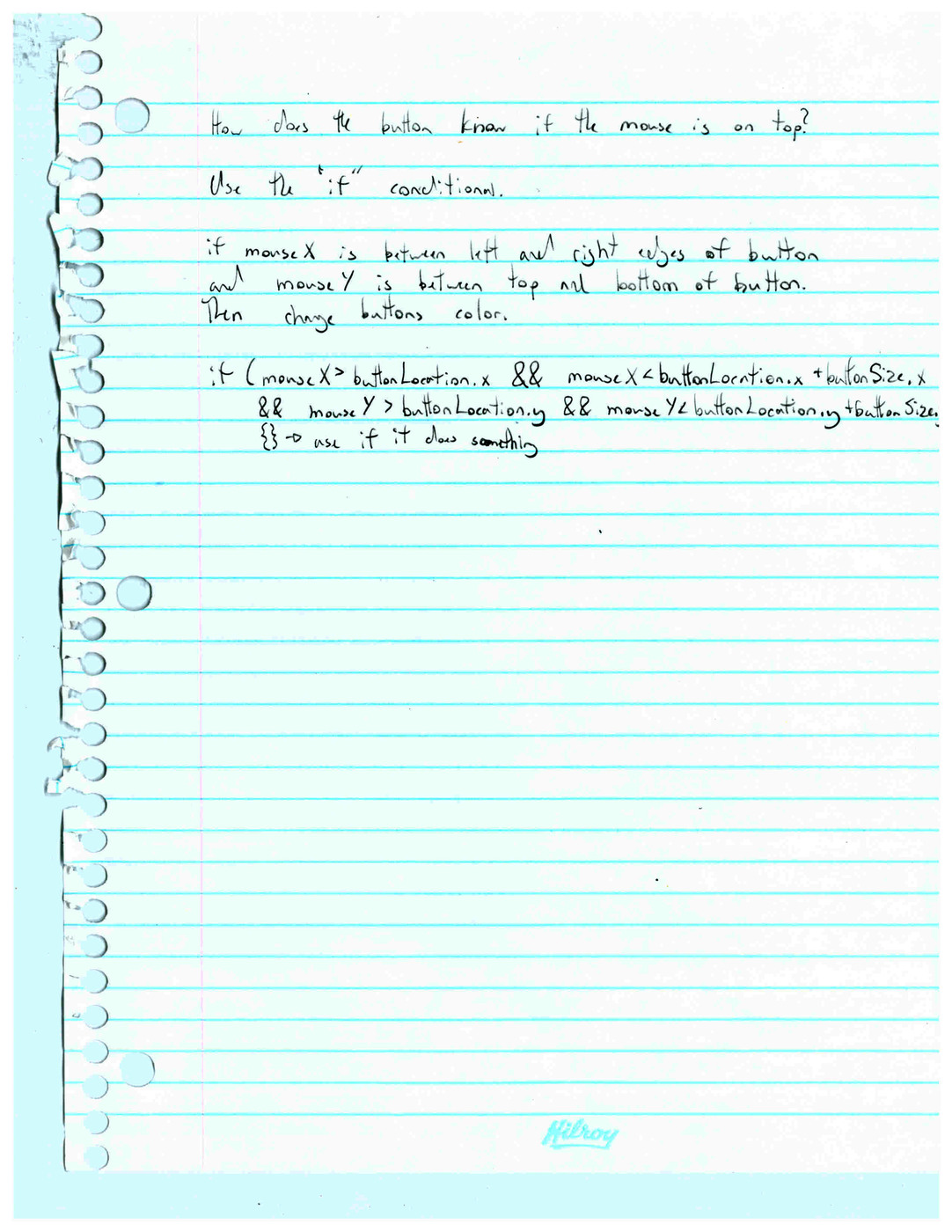
//if statement to create counding box for the mouseClicked. Other if and while statments
//make sure the random colors don't get stuck on one color for continuous clicks
  int newButton() {
    if (mouseX > buttonLocation.x && mouseX < buttonLocation.x + buttonSize.x && mouseY > buttonLocation.y && mouseY < buttonLocation.y + buttonSize.y) {
      backGroundIndex = buttonIndex;
      buttonIndex = int(random(11));
      if (buttonIndex == backGroundIndex) {
        while (buttonIndex == backGroundIndex) {
          buttonIndex = int(random(11));
        }
      }
    }
    //Returns Index value for the background
    return backGroundIndex;
  }
}